



Maisonroll Mobile Access
Installing the Maisonroll app helps users avoid many limitations of the mobile browser version. The app includes the main functions of the website and adds useful options such as native full-screen mode and adjustable push notifications. Installation usually takes only a few seconds, and the app works on Android and iOS devices, as well as personal computers.



Using Maison Roll on Mobile
Many users choose the Maison Roll Casino mobile application for practical reasons. Portability remains one of the main advantages, as it allows users to access games while traveling, waiting, or using a device away from a desktop setup. Crash games also fit the mobile format well because they have short rounds and simple rules.
Playing on a PC has its own advantages. A larger screen can make the visual details of each title easier to see, while keyboard input may feel more convenient for entering information. On mobile devices, Maisonroll Casino can simplify access through Face ID or fingerprint authentication.
PWA
Maisonroll uses PWA technology as the basis for its app because it supports quick installation and convenient access. Unlike traditional installation files, a PWA does not require a long download, even with a slower internet connection.
The app downloads directly from the Maison Roll website, so users do not need to use third-party sources. It also takes up very little storage space, which makes it suitable for devices with limited memory.
Maisonroll App for Android
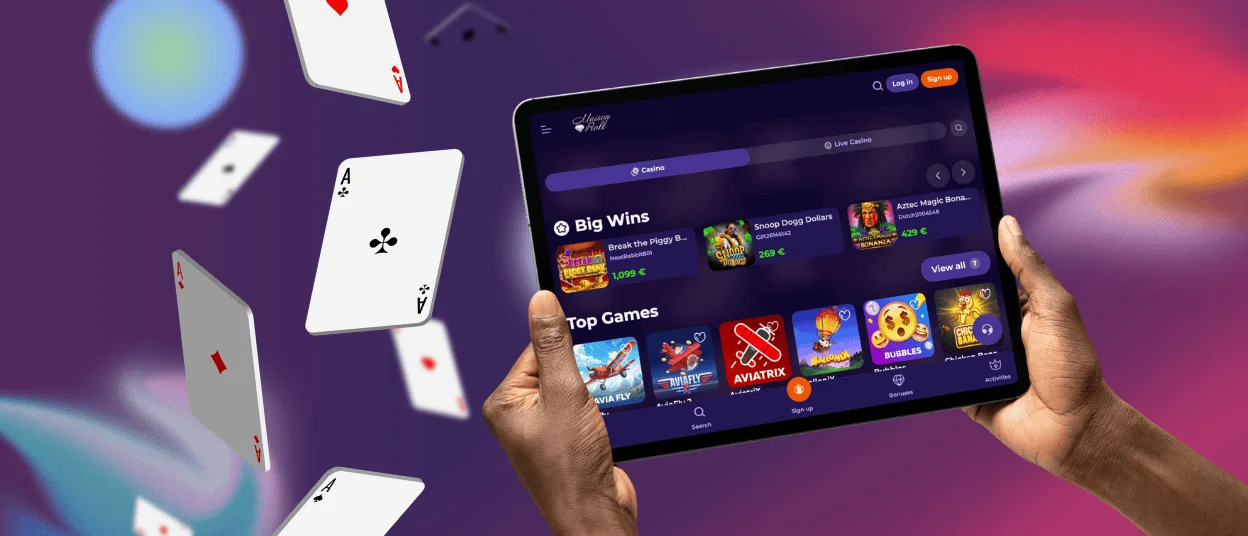
When developing the Maisonroll app for Android tablets and smartphones, the platform considered user feedback. As a result, the app includes the full game library, account settings, bonus history, transaction records, and other main features.
| Step | Android installation process |
| 1 | Open the Maisonroll website in a supported browser. |
| 2 | Go to the address bar and tap the “Menu” button. |
| 3 | Select “Add to Home Screen.” |
| 4 | Choose a name for the app or keep the default one, then confirm the action. |
| 5 | Wait until the icon appears on the home screen. |
After signing in, users can access the available game features on the site.
Maison Roll App for iOS
Installing the Maisonroll Casino mobile version on iPad or iPhone follows a similar process. Users do not need to open the App Store. They can visit the website, tap the “Share” button at the bottom of the screen, select “Add to Home Screen,” choose a name for the app, and confirm the action. After the icon appears on the device, users can complete authorization and access the platform.
If installation causes any difficulties, the 24/7 customer support team can help resolve common issues through live chat.

Desktop App for Windows and macOS
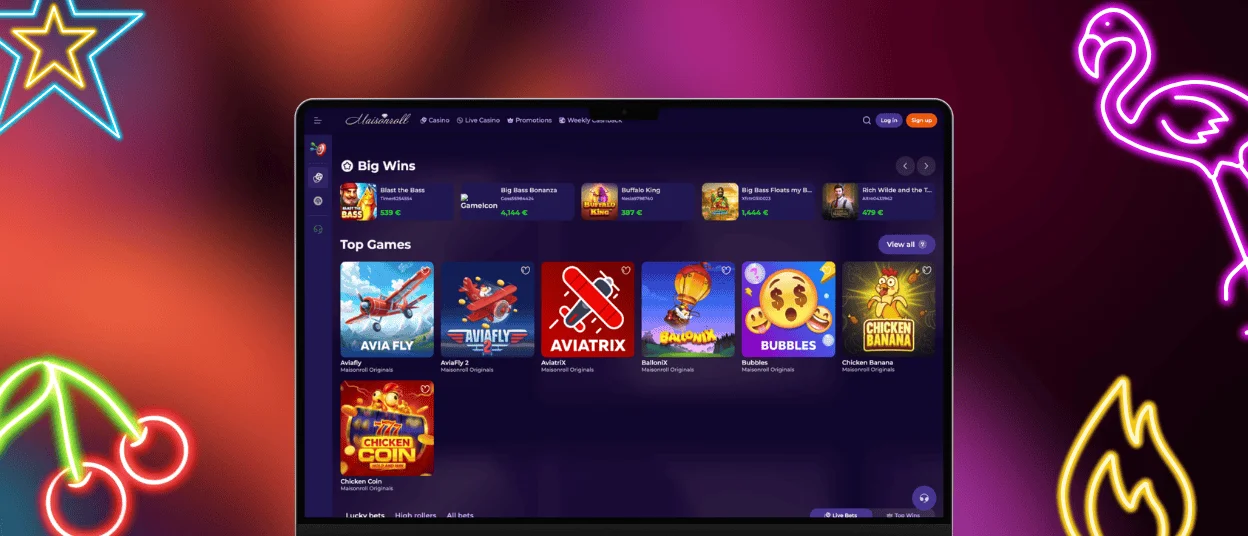
Maisonroll also provides an app version for Windows and macOS computers, with several features adapted for desktop use. For example, browser push notifications may have limits, while the app supports more flexible notification settings. The desktop version also includes native full-screen mode and optimized loading for available titles.
To install it on a computer, users need to find the install button in the address bar and click it. After confirming the action, the application appears on the desktop and becomes ready to use.
Device Compatibility
Maisonroll stores account data on servers, which allows users to switch between devices without losing important information or platform functions. For example, a user can start wagering a bonus on a computer and then continue checking the progress from a smartphone. The exception is switching devices during an active game round. If this happens, the session ends on the device where the game started, and the funds from that round do not return.
Users should also review the system requirements to reduce the risk of technical errors and improve platform performance. Supported devices and current requirements include the following:
- Smartphone on Android: minimum Android 5.0+; Chrome browser or PWA app recommended.
- Smartphone on iOS: minimum iOS 11.0+; Safari browser or PWA recommended.
- Windows computer: minimum Windows 7+; recommended browser or desktop application advised.
- Mac computer: minimum macOS 10.12+; Safari browser or Maison Roll software recommended.
FAQ
Do I need to sign up to use the Maisonroll app?
Users do not need to register immediately to use Maisonroll Casino. They can first review the platform, test available features, and try demo versions of games before deciding whether to create an account.
Is customer service available in the Maison Roll Casino app?
Yes. To contact the Maisonroll team, users need to select the relevant support button. A chatbot first reviews the request and tries to resolve the issue. If the question requires more attention, the user gets connected to a support representative who can provide a more detailed response.
How do I update the Maisonroll app?
PWA technology handles updates automatically. Users do not need to download updates manually, as the app refreshes the relevant data on the device when updates become available.


